

The Finance section of the app gives you complete control over your financial activities and records. Here, you can view all invoices, payments, and dues in one place, including hostel rent, mess charges, guest fees, fines, payables, and canteen orders. Each transaction is clearly categorized, making it easy to track pending and cleared dues online. You can also generate and review account statements to better understand your financial status. The system automatically records every payment and adjustment, ensuring accuracy and transparency. With these tools, hostelites can manage their expenses more effectively and maintain a clear overview of their financial responsibilities.
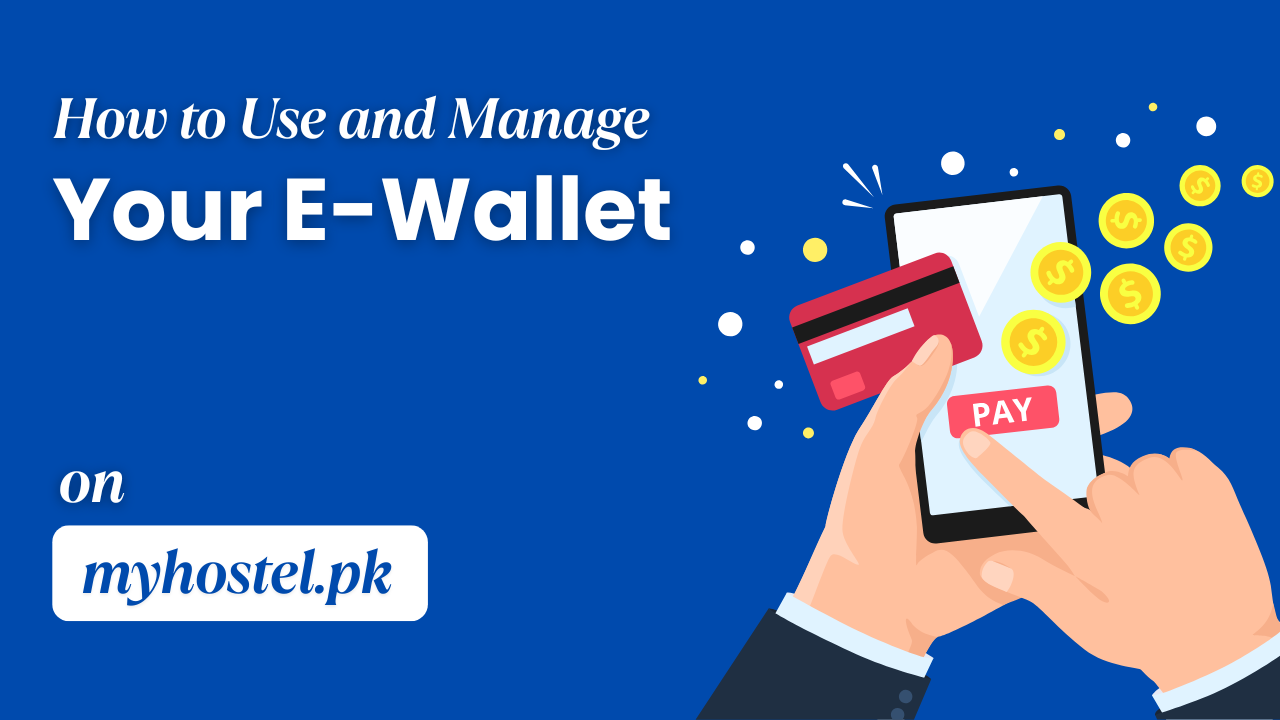
The E-Wallet feature allows you to securely manage your hostel payments and transactions within the app. You can deposit money into your wallet using Bank Transfer, EasyPaisa, or JazzCash, and then use the balance to pay hostel charges or other services. For added security, you can set up or change your wallet PIN anytime from the settings. Users can also request the admin to add funds or process a withdrawal request directly through the wallet section. Another convenient feature is the ability to share balance with other users simply by entering their registered phone number. All wallet activities, including deposits, payments, transfers, and withdrawals, are tracked in your account so you can monitor your balance at any time.
In the Settings section of your dashboard, you can manage both your personal details and security preferences with ease. This includes updating profile information such as name, phone number, email, and address whenever needed. You can also change your account password regularly to enhance security or reset it if you notice suspicious activity. Another important feature is the ability to set up or change your e-wallet PIN, which adds an extra layer of protection to your digital payments. Additionally, the settings area allows you to adjust notification preferences, language options, and other personalization features. All sensitive data is safeguarded through strong encryption and system-level security, ensuring your account remains private and protected from unauthorized access.
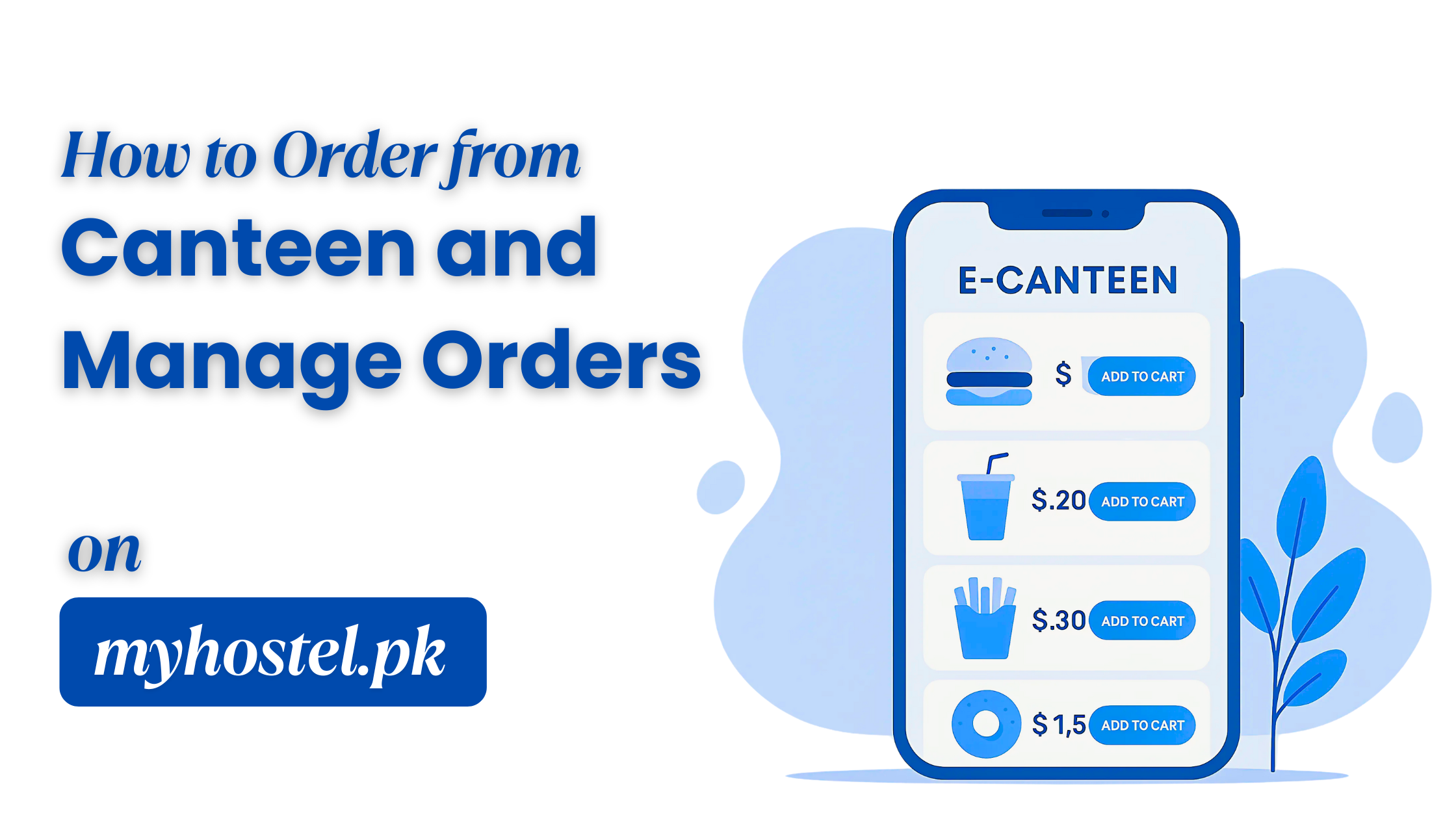
In the Hostelite Dashboard sidebar, hostelites can access the Canteen section to browse a wide range of available products. Items can be added to the cart directly or from the detail page, giving flexibility in selection. By clicking on the cart, users can review their order, edit quantities, or remove items before placing it. Once ready, the order can be confirmed with a preferred payment method — either through the in-app wallet, online payment, or cash on delivery. All placed orders are stored in the Orders section, where users can track the status in real time. After confirmation, the canteen prepares the order and delivers it quickly to the hostel, ensuring a fast and convenient service experience.
The app’s search engine allows you to quickly find hostels based on multiple filters and preferences. You can search by location only, or refine your search by selecting for boys or for girls. It also lets you combine filters such as location, category, and room/seat type for more accurate results. If you prefer convenience, you can use the Near Me option to instantly discover hostels around your current area. Additionally, you can explore hostels visually through the interactive map search, making it easier to spot options in specific neighborhoods. With these flexible filters, the search engine delivers relevant hostel options within seconds.
On the homepage, select a city to view all hostels available in that location. To schedule a visit, click on the calendar icon and provide details such as date, time, number of guests, reason for visit, and any comments/questions. You can also request a visit directly from the hostel detail page. Once satisfied after your visit, go to the hostel detail page slider, where all rooms are displayed. Click Book Now on your preferred room and fill in the booking form with check-in date, check-out date (optional), profession, duration, institute name, city, resident type, reason to stay, and any requirements. The booking will only be confirmed if the room is available; otherwise, the system will show the button as Unavailable.
To send a Request Accommodation, simply fill out the request form with your personal details, location preference, and hostel requirements. Select whether you are a student or jobholder, choose the type of hostel, category, and room/seat options that best match your needs. You can also add the number of persons, duration of stay, and any special requirements. Once submitted, your request is digitally reviewed by the guide. After review, it is forwarded to the hostel owners for availability and booking confirmation. This ensures that your request is properly verified before finalizing the accommodation. The process is fully online, making it quick, secure, and hassle-free.
Have a question, suggestion, or need help? Use the Contact Us page to connect with our team quickly and easily. Here, you can submit queries, report problems, or request additional information about our services. Just provide your name, contact details, and message, and we’ll ensure it reaches the right department. Our goal is to respond promptly and make your experience with us smooth and reliable.
Discover verified hostels across Pakistan including girls hostels, boys hostels, and top-rated hostels in Faisalabad. Join the largest Hostel Management Network and complete your hostel registration in minutes.
 Help For Use