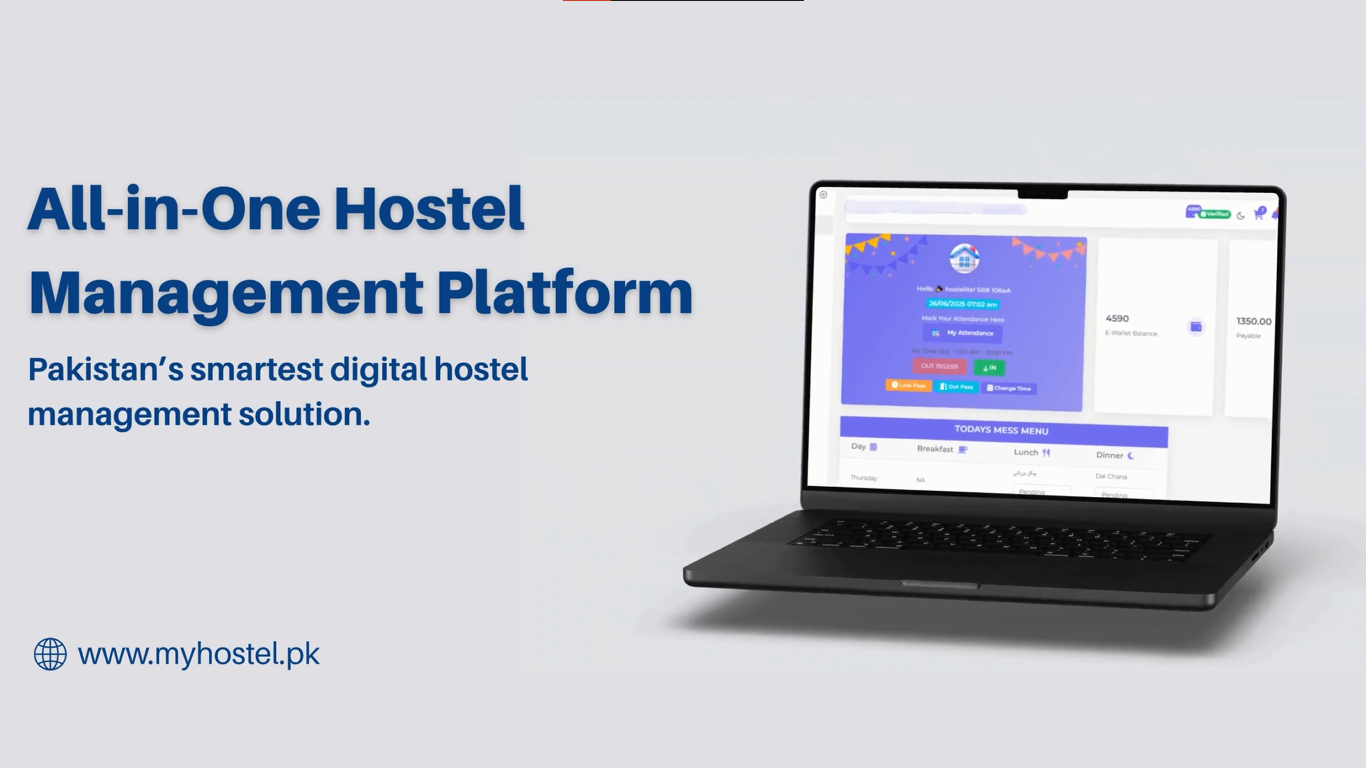

MyHostel.pk is a comprehensive hostel management system designed to simplify hostel operations. It provides an online booking system for hostel rooms and allows digital attendance tracking for hostelites. The platform also manages canteen and mess services, making daily operations smoother. Users can access a variety of features, including a search engine for hostel-related information and resources. Additionally, it supports warden and owner oversight, ensuring proper management and record-keeping. With MyHostel.pk, both hostel staff and residents can handle administrative tasks efficiently, reducing manual work and improving communication.
To sign up on MyHostel.pk, start by creating an account using your CNIC and WhatsApp number, which will be verified through an OTP. After verification, you need to add your personal details, including name, email, and set a password for secure access. Once your account is created, you can log in by entering your phone number and password. If you forget your password, use the “Forgot Password” option to reset it securely. This process ensures that only verified users can access the app. After logging in, you can access all features, including hostel applications, attendance marking, and pass requests.
To fill the admission form, start by selecting your hostel and providing all personal information, including full name, father’s name, profile picture, gender, phone number, email, date of birth, CNIC (with front and back images), address, city, profession, and marital status (if female). In the second step, provide guardian details, including guardian or husband’s name, CNIC (front and back), phone number, references, and visitor information if any. The third step collects hostel-related information, such as hostel name, contact number, address, duration of stay, and previous hostel details if applicable. In the fourth step, add profession information, including student institute details if a student, or job details if employed. The fifth step covers medical information relevant to your health. Once all steps are completed, submit the form for warden review and approval, ensuring your admission request is properly recorded.
Daily attendance and hostel in/out times are managed digitally through the Hostelite Dashboard. Hostelites can mark their check-in when arriving at the hostel and check-out when leaving, all through the app. Daily attendance can be marked once per day within the specific time window set by the owner. The system ensures that attendance is recorded accurately and only during the allowed time. Wardens, owners, or managers can monitor these records in real-time, providing oversight of hostelite movements. Parents can also track entries and exits, giving them peace of mind. This digital process simplifies attendance management and reduces manual tracking errors.
A Late Pass or Out Pass allows a hostelite to leave the hostel late, return later than the allotted time, or go out early in case of an emergency. To request a pass, the hostelite can log in to the Hostelite Dashboard and click the “Late Pass” or “Out Pass” button. They need to select a reason, add comments, choose the time, and submit the request. The pass can be approved by the warden, owner, or manager, who will review the request online. Once approved, the hostelite can mark their attendance for the requested time. This system ensures that all departures and late returns are properly authorized and recorded, making it easier to manage hostel attendance.
A Change Time Request allows hostelites to adjust their permitted in/out timings directly through the app. From the Hostelite Dashboard, residents can submit a request by selecting the reason type, providing their new in-time and out-time, adding comments, and even uploading a supporting document to validate the request. Once submitted, the request is sent to the hostel owner, warden, or manager, who review and decide on approval. If approved, the updated timing is applied to the resident’s account, and attendance can then be marked according to the new schedule. This feature ensures flexibility for genuine needs while maintaining proper records and approvals digitally.
In the Hostelite Dashboard, you can view all your attendance records and hostel information at any time. The Attendance section shows your complete history, including daily attendance and in/out records for better tracking. In the Hostel section, you can access details about your allotted hostel, including room information and roommate details. The system also provides clear room allotment records, so you always know your current assignment. For quick access, these details are also available from your profile, giving you a complete overview of attendance, room, and hostel information in one place. This ensures that residents can easily keep track of their stay and academic routine.
All requests can be submitted digitally through the Hostelite Dashboard, available only for residents of a hostel. From there, you simply choose the type of request you want to make — such as a service request, room shifting, accommodation, or hostel leaving — and fill in the required details related to that option. Once submitted, the request is automatically sent to the warden, hostel manager, or hostel owner, who reviews and responds through the system. The entire process is tracked within the app, so residents can monitor the status of their requests at any time. This ensures quick communication, proper record-keeping, and transparent handling of all hostel-related needs.
Hostelites can submit guest requests directly through the app for friends or family members, while hostel owners, managers, or wardens can also create guest requests on behalf of others. A visit request can be scheduled by selecting date, time, number of guests, and reason through the calendar option. All guest and visit requests are stored in the app, where users can easily track their status and approvals. Once confirmed, bookings or visits are managed digitally, ensuring transparency and smooth coordination between residents, hostel staff, and visitors.
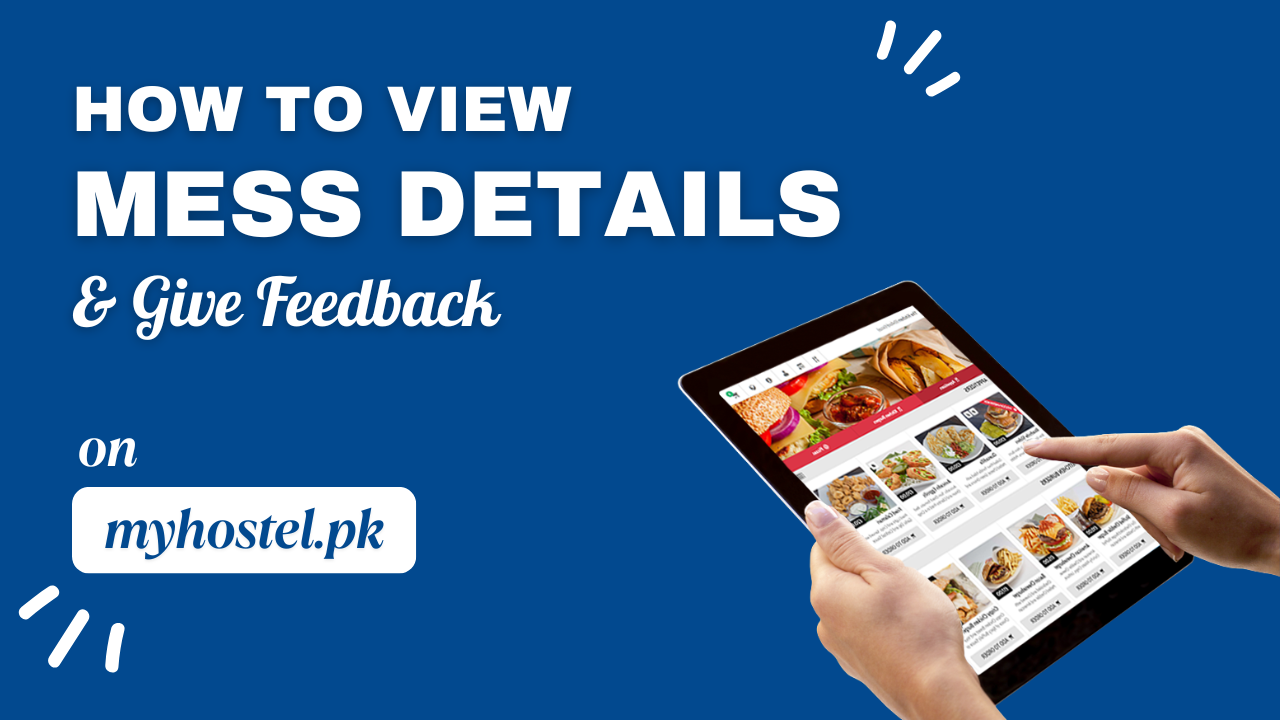
In the Mess section of the dashboard, you can easily view the updated menu and meal plan provided by your hostel. The system also allows you to mark attendance for daily meals so that your participation is recorded in advance. Along with this, hostelites can check the weekly meal template to see what dishes are planned throughout the week. Additional features may include meal availability tracking and options to view past meal records. To ensure quality, you can also submit feedback directly within the mess section about food taste, variety, or service. This feedback helps the management improve the dining experience and make adjustments based on residents’ suggestions.
Discover verified hostels across Pakistan including girls hostels, boys hostels, and top-rated hostels in Faisalabad. Join the largest Hostel Management Network and complete your hostel registration in minutes.
 Help For Use